
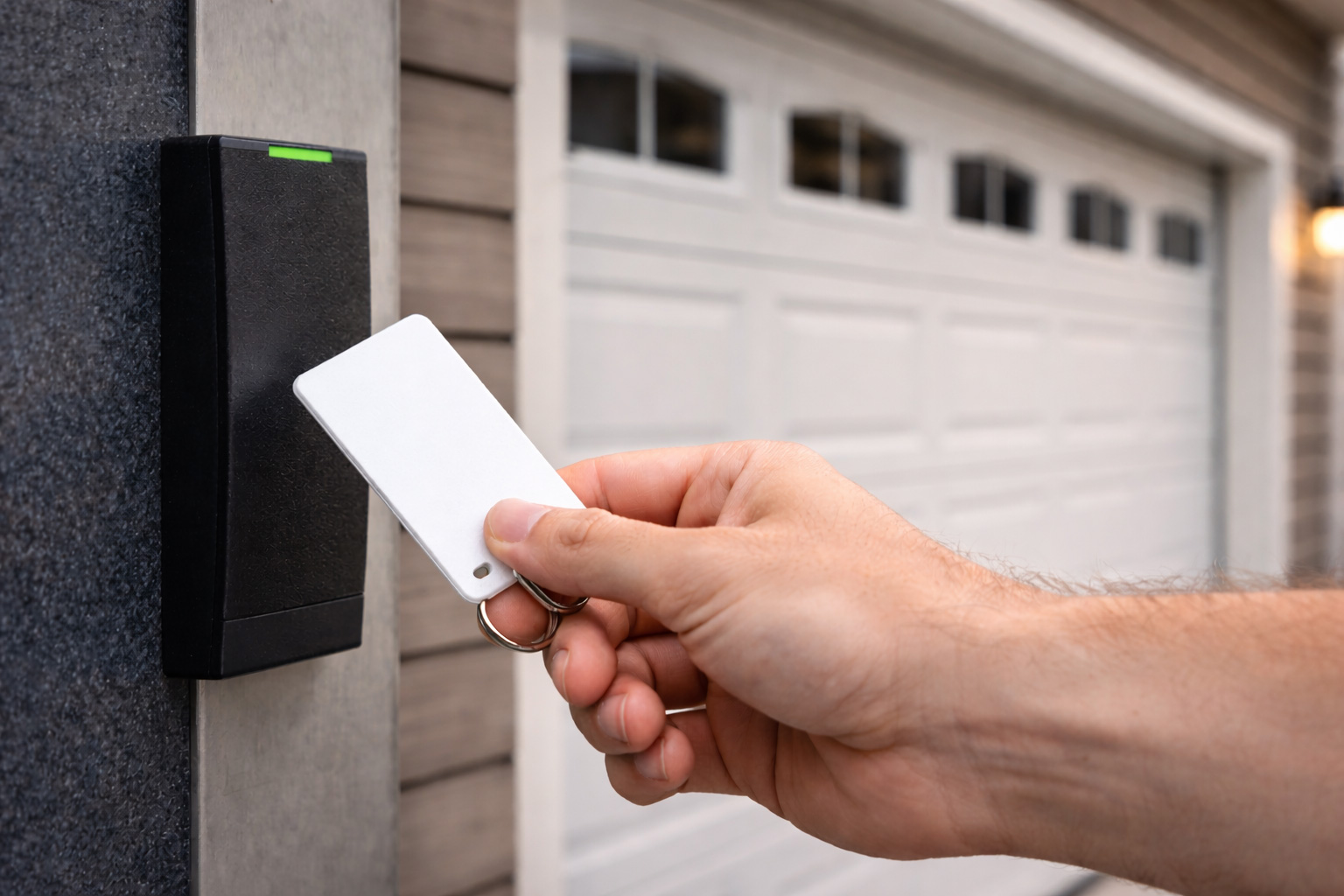
For many businesses, the garage door (or rolling steel door) isn’t just convenience—it’s a high-value access point. It’s big, visible, used daily, and often connected to inventory, tools, or vehicle access.
The good news: you don’t need “military-grade” anything to improve security. You need a layered approach:
- Physical security (door, track, locks, hardware)
- Operational security (who has access and when)
- Smart access control (unique credentials, logs, alerts)
Below are the upgrades that give the best security ROI for most commercial properties.
Step 1: Start with a quick risk check (2 minutes)
Ask these questions before you buy upgrades:
- Is this a front-facing door (high visibility) or a back-lot door (low visibility)?
- Does the door protect inventory, tools, vehicles, or sensitive areas?
- Who needs access: employees, vendors, drivers, cleaners, contractors?
- Do you need access after hours?
- What’s your biggest pain today: lost keys, shared codes, or no way to know who opened the door?
Your answers determine whether you need “better locks,” “better access control,” or both.
1) Upgrade the fundamentals: door condition + hardware
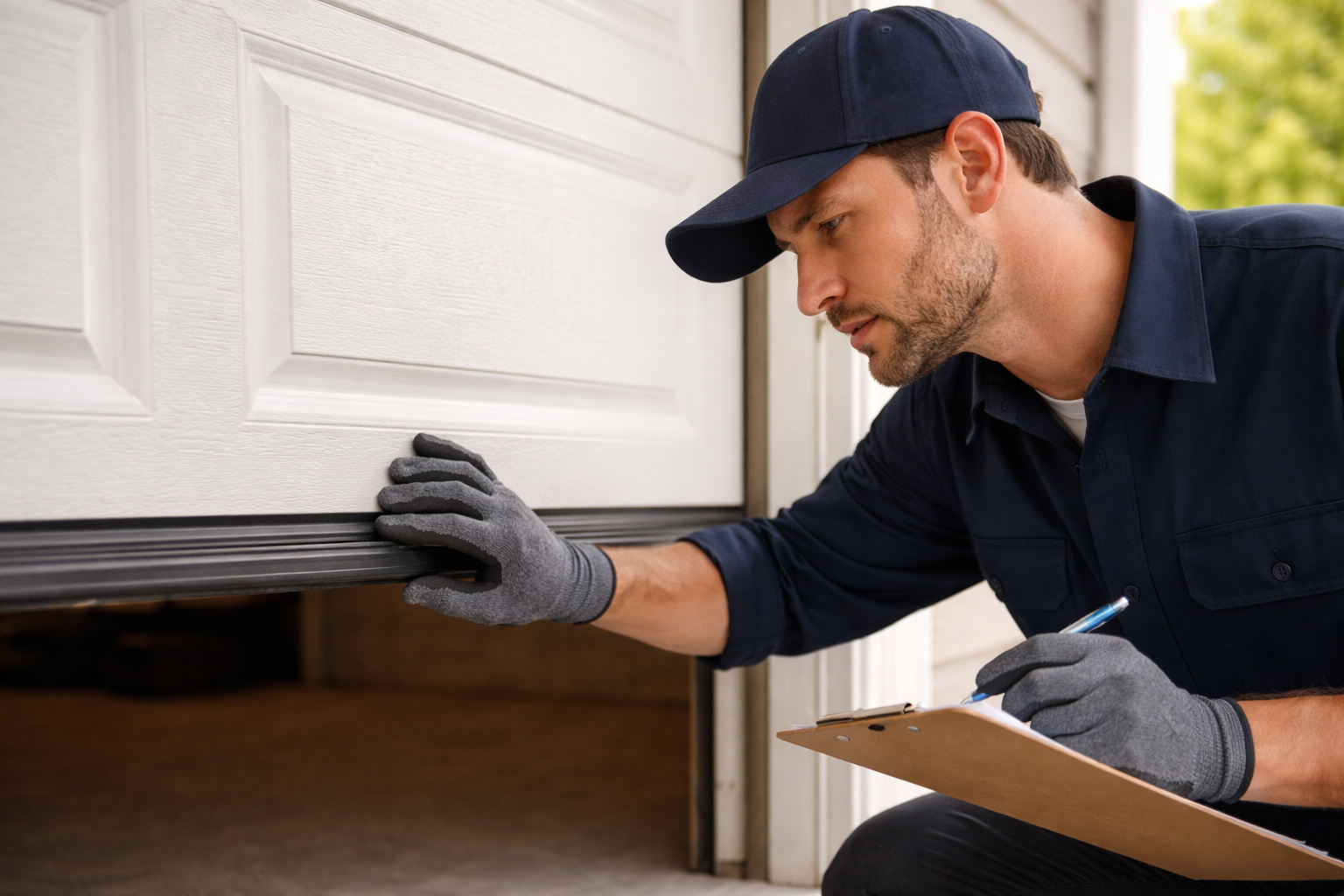
Security upgrades work best when the door is in good shape.
A few common weak points:
- Loose or worn rollers/hinges causing slop and vibration
- Misaligned tracks that make the door bind (and people force it)
- Damaged bottom seals that let dust/water in (and can affect closing)
- Opener strain (a struggling system is easier to defeat and fails sooner)
If the door is noisy, uneven, or inconsistent, start with repair/maintenance first:
- Garage Door Repair
- Garage Door Maintenance Service
2) Lock upgrades that actually make a difference
Commercial doors vary (sectional, rolling steel, high-lift, etc.), so the “best lock” depends on the door type and usage.
A) Add a dedicated interior slide lock (when appropriate)
For doors that aren’t used constantly, an interior slide lock adds a simple physical barrier.
Best for: storage areas, low-traffic doors, after-hours security
Important: If the door is automated, locks must be installed and used correctly so the operator isn’t damaged. A technician can recommend the right setup.
B) Choose “commercial-grade” cylinders and hardware
If your door uses keyed hardware, upgrading to commercial-grade cylinders and protected hardware reduces forced entry risk.
Best for: facilities with multiple staff, master-key systems, or frequent turnover
C) Reduce “padlock problems” (if you use padlocks)
Padlocks can be effective—but only if the hasp and placement are solid. Weak hasps or exposed areas defeat the purpose.
Best practice: use properly rated hardware installed in a way that avoids easy leverage points.
3) Operator upgrades: security + reliability in one move
Many break-ins aren’t about the door panels—they’re about the operator setup, outdated remotes, or lack of credential control.
If your operator is older or unreliable, replacement can add:
- More consistent closing
- Better remote control security features
- Compatibility with access control add-ons
Learn more here:
- Garage Door Opener Replacement Service
Tip: For commercial environments, the goal is “secure and smooth.” A door that jams creates workarounds (propping doors open) that reduce security immediately.
4) Smart access control that businesses actually use
Smart access isn’t just “opening from your phone.” In commercial settings, the big wins are:
- Unique credentials (per employee/vendor)
- Role-based access (who can open which door)
- Schedules (access allowed only during certain hours)
- Audit trail (a log of openings)
- Quick credential changes (remove access instantly when someone leaves)
Keypad entry: good when managed correctly
Keypads are convenient, but the security depends on management.
Better keypad practices:
- Use individual codes when possible
- Avoid sharing one code with everyone
- Change credentials during staff transitions
Key fobs/cards: great for teams
Fobs/cards can reduce “shared code” behavior and are fast for high-traffic businesses.
Mobile credentials: ideal for vendors and temporary access
Mobile access is useful for:
- Delivery windows
- Contractors
- Short-term tenant access
5) Don’t forget perimeter security (gates + entry points)
Many commercial properties improve door security but forget that a driveway gate or side gate is the first barrier.
If you have gates, consider:
- Access control upgrades (keypad, fob, remote)
- Safety sensors and reliable closing
- Mechanical alignment (dragging/sagging gates create security gaps)
More here:
- Electric Gate Services
6) Monitoring: the “quiet upgrade” that pays off
If you want fewer surprises, monitoring is underrated.
Consider:
- Open/close status alerts
- “Door left open” notifications
- Integrations with cameras/alarm systems (depending on your setup)
This doesn’t replace locks, but it helps you notice issues faster.
A practical upgrade plan (without overbuying)
Level 1 — Fast wins (most businesses)
- Fix door reliability issues (smooth closing)
- Add/upgrade the right lock for the door type
- Improve access control management (unique credentials)
Level 2 — Higher security + better control
- Upgrade operator (security features + reliability)
- Add smart access with logs/schedules
- Improve gate access control if applicable
Level 3 — Multi-location / higher risk
- Centralized credential management
- Audit trails + monitoring alerts
- Coordinated perimeter + door strategy
Quick checklist: are you due for a security upgrade?
If 2+ apply, upgrades will likely help.
FAQ
What’s the single best security upgrade for a commercial door?
Usually it’s a combination: reliable closing + the right physical lock + controlled access (unique credentials). If the door is unreliable, fix that first.
Are keypads secure enough for a business?
They can be, if managed well. The real risk is shared codes and never changing credentials.
Do I need a new operator to add smart access?
Not always. Some setups allow add-ons, but many businesses upgrade the operator to improve reliability and compatibility.
Can upgrades slow down daily operations?
Good upgrades should do the opposite—reduce downtime and make access smoother while tightening control.
Need help choosing the right security setup?
If you’re in Santa Clara or the Bay Area, we can inspect your door/gate, recommend the right upgrades for your property, and install them safely.
- Book online: Schedule an Appointment
- Contact: Contact Us